Introduction
For creative individuals, a photobook is more than just a collection of pictures; it’s a blank canvas for storytelling. You want the freedom to move, resize, and embellish every page until it perfectly matches your vision. The problem is, many online editors are either too simple or frustratingly rigid. This is where Mixbook enters the conversation, promising ultimate creative control.
If you’re searching for a comprehensive Mixbook review, you’ve come to the right place. We will dive deep into the platform’s standout features, from its flexible editor to its vast library of creative assets. By the end, you’ll know exactly what Mixbook offers and whether it’s the right tool to bring your custom photobook ideas to life.
What is Mixbook? A Quick Overview
Mixbook is a web-based service that allows users to create highly personalized photo products, including photobooks, calendars, and wall art. Its core selling point is a powerful and flexible design editor that gives you complete control over your project.
Unlike some competitors that lock you into rigid templates, Mixbook lets you change every element on the page. This makes it a favorite among scrapbookers, creative parents, and anyone who enjoys the design process as much as the final product. In this Mixbook review, we’ll focus on the features that make it a top choice for custom creators.
Top 5 Features That Make Mixbook Stand Out
While many services can print your photos, Mixbook’s strength lies in its software. Let’s break down the key features that empower creators.
1. The Unrestricted Editing Canvas
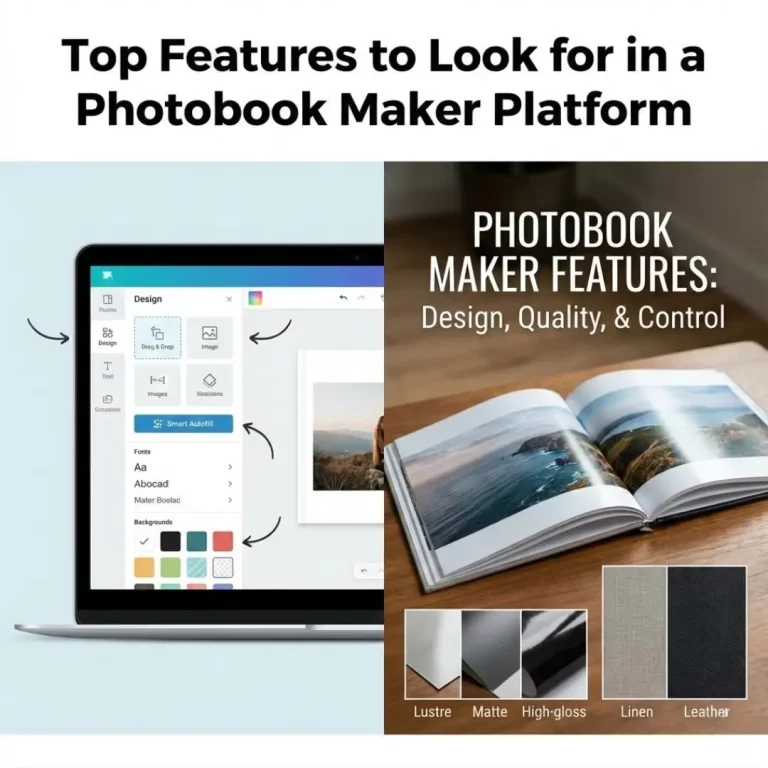
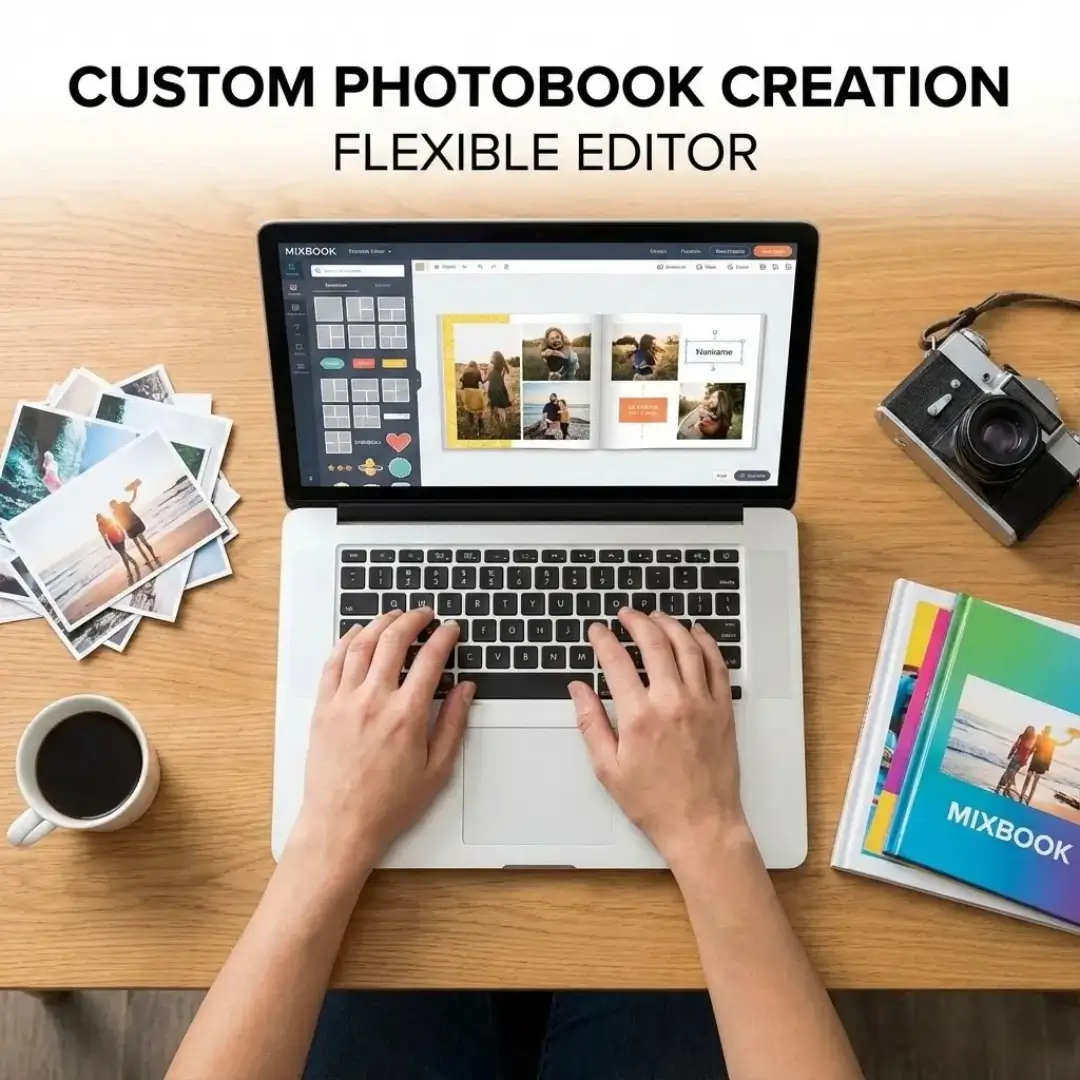
The Mixbook editor is where the magic happens. Every single element is movable, resizable, and rotatable. Want to overlap photos? Go for it. Want to tilt a text box? Easy. This level of freedom is rare and is the primary reason it receives positive mentions in any Mixbook review.
- Total Layout Freedom: Start with a template or a blank page and build from scratch.
- Layering Control: Easily bring objects forward or send them backward, just like in professional design software.
- Cross-Page Spreads: Drag photos across two pages for dramatic, seamless layouts, especially in their layflat books.
This flexibility allows you to go beyond simple grids and create dynamic, storytelling photo displays that are truly unique.
2. A Massive Library of Creative Assets
Mixbook provides thousands of digital “stickers,” backgrounds, and frames to decorate your pages. These assets are well-organized and searchable, so you can quickly find the perfect embellishment for any theme.
- Stickers: From travel icons and seasonal decorations to simple flourishes, the sticker collection is extensive.
- Backgrounds: Choose from textures, patterns, and solid colors to set the mood for each page.
- Themes: Mixbook offers thousands of pre-designed themes (e.g., “Modern Wedding,” “Family Yearbook”) that you can use as a starting point and still customize completely.
Pro-Tip: Don’t feel obligated to stick to one theme. Mixbook lets you pull backgrounds and stickers from any theme into your current project, giving you endless combinations.
3. Collaborative Project Creation
Planning a group gift or a family reunion book? Mixbook allows you to invite friends and family to collaborate on a single project. Each person can upload photos and contribute to the design from their own account.
This is a fantastic feature for:
- Anniversary Photo Books: Let siblings and friends add their favorite memories.
- Year-in-Review Albums: Have family members add photos from their own phones.
- Corporate Gifts: Team members can collaborate on a book for a retiring colleague.
Centralizing the process saves you from the headache of chasing down photos via email and text. It makes creating something like a humorous family photo book a fun, shared activity.
4. High-Quality Paper and Print Options
While this Mixbook review focuses on features, the final product quality is crucial. Mixbook offers several high-quality paper options and has a strong reputation for vibrant, accurate color printing.
| Paper Type | Finish | Best For |
|---|---|---|
| Everyday Semi-Gloss | Light sheen, smooth | Versatile, good for any project |
| Premium Matte | Non-reflective, flat | Artistic, elegant, modern albums |
| Premium Lustre | Subtle texture, slight sheen | Professional look, wedding albums |
| Layflat | Extra-thick, seamless | Panoramic shots, high-end projects |
The availability of different finishes means you can tailor the book’s feel to its purpose, whether it’s a casual travelogue or a formal wedding album.
5. Frequent and Generous Promotions
A practical part of any Mixbook review is the price. While its list prices are comparable to other premium services, Mixbook is famous for its near-constant promotions. It’s rare to pay full price for a project.
Look for discounts ranging from 30% to 50% off, plus free shipping offers. This makes their high-quality, custom books surprisingly affordable. It’s wise to sign up for their email list and wait for a good deal before placing your order. This strategy can make a huge difference, especially if you’re buying in bulk.
Where Mixbook Could Improve
No platform is perfect. In the spirit of a balanced Mixbook review, here are a few areas where there is room for improvement:
- Mobile Experience: While functional, the mobile editor is not as powerful as the desktop version. For full customization, a computer is recommended.
- Overwhelming Choices: The sheer number of stickers and backgrounds can be paralyzing for users who prefer a simpler, more minimalist approach. If you find too many options distracting, a service with a more curated aesthetic might be better.
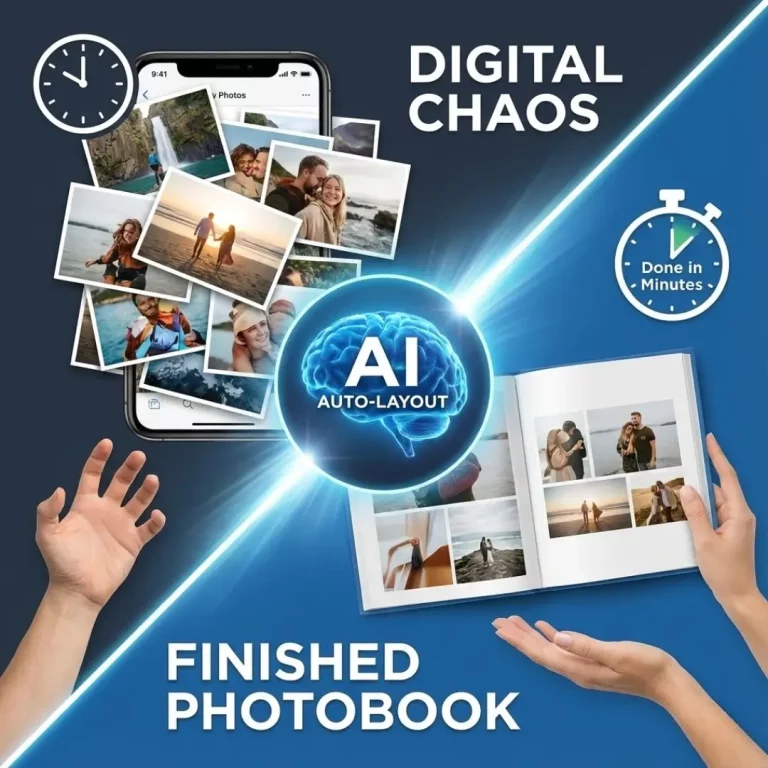
- No AI Assistance: As of 2025, Mixbook’s editor doesn’t have the advanced AI photobook design features that some newer platforms are introducing to automate layout creation.
Conclusion: The Best Choice for the Creative Scrapper
After a detailed Mixbook review, it’s clear that this platform is a paradise for the hands-on creator. Its unrestricted editor and vast library of assets provide a playground for your imagination, allowing you to design a photobook that is 100% you. While it may not have the minimalist chic of some brands, it more than makes up for it with pure, unadulterated creative freedom.
If you love the process of digital scrapbooking and want a high-quality finished product at a reasonable price, Mixbook is an excellent choice.
Ready to unleash your creativity? Start exploring Mixbook’s themes and design a stunning photobook that tells your unique story.
Frequently Asked Questions (FAQs)
Q: Is Mixbook better than Shutterfly?
A: “Better” depends on your needs. Mixbook offers superior creative flexibility with its editor, allowing you to customize every detail. Shutterfly has a wider range of photo gifts but a more restrictive photobook editor. If customization is your top priority, Mixbook is the winner.
Q: How long does it take to get a photobook from Mixbook?
A: Production usually takes 1-4 business days. Shipping times vary based on your location and the method chosen, ranging from budget (1-2 weeks) to express (2-3 business days). Always check the estimated delivery date at checkout.
Q: What is Mixbook’s photo quality like?
A: Mixbook’s print quality is generally considered very good, with vibrant colors and sharp details. For best results, ensure your uploaded photos are high-resolution (at least 300 DPI) and not blurry or poorly lit. The choice of premium paper can also enhance the final look.
Q: Can I use photos from my phone in a Mixbook project?
A: Yes, you can easily upload photos directly from your phone, computer, Google Photos, Facebook, and Instagram. The editor will warn you if a photo’s resolution is too low for its printed size, which helps prevent blurry results.
Q: Does Mixbook offer layflat photobooks?
A: Yes, Mixbook offers layflat hardcover photobooks. These books use a special binding and extra-thick pages that allow each spread to lie completely flat, which is perfect for displaying photos across two pages without a gutter interruption. Learning how to design a layflat photobook can help you make the most of this format.
Q: Is it easy to add text and tell a story in Mixbook?
A: Absolutely. You can add unlimited text boxes anywhere on the page, choosing from a wide variety of fonts and colors. This makes it easy to add captions, dates, anecdotes, and longer narratives to create a storytelling photobook.
Q: Can I change my book’s theme after I start?
A: Yes. One of Mixbook’s best features is the ability to change your theme at any time or even mix elements from different themes. You can browse other themes and apply their layouts, backgrounds, or stickers to your existing project without starting over.