Introduction
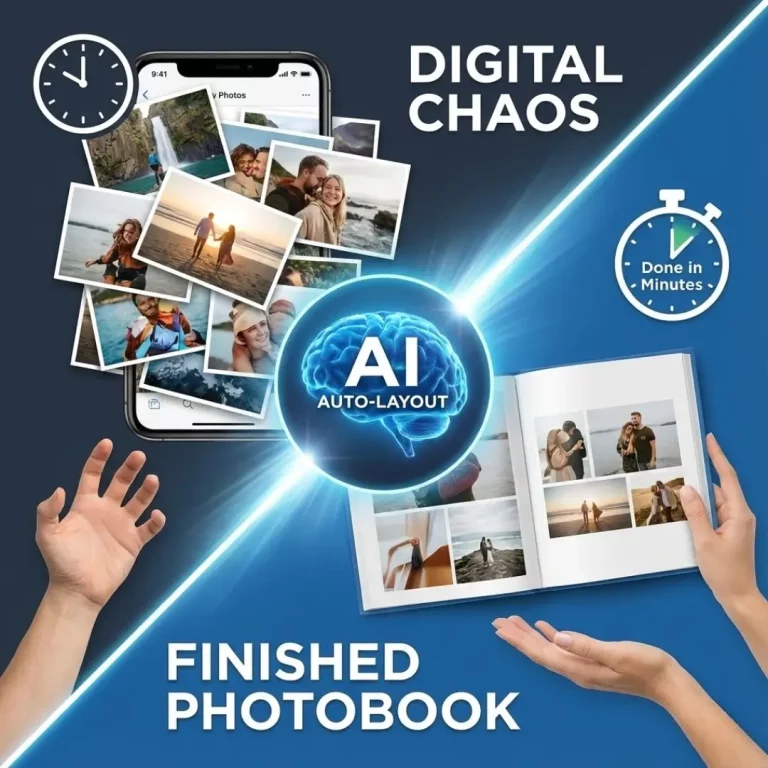
You have thousands of photos on your phone, a testament to countless precious moments. But the thought of sifting through them all to create a photobook is completely overwhelming. The manual process of choosing the best shots, arranging them in a compelling order, and designing each page can take hours, if not days.
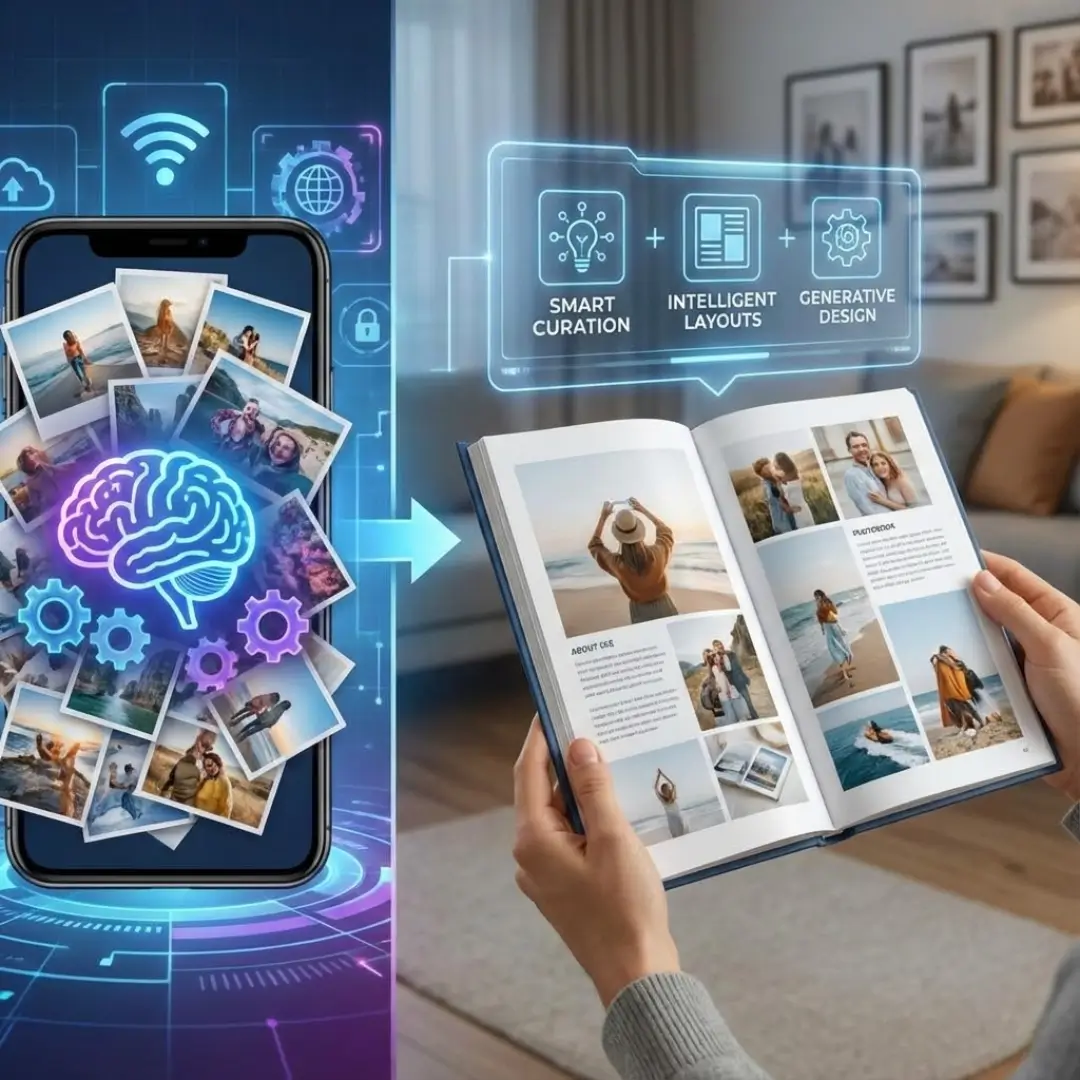
What if technology could do the heavy lifting for you? The latest AI photobook platforms are transforming this once-tedious task into a quick and enjoyable creative process. This guide will explore how artificial intelligence is being integrated into your favorite album makers, from automatically curating your best photos to designing stunning layouts in seconds.
The Rise of AI Photobook Platforms
Artificial intelligence is no longer a futuristic concept; it’s a practical tool that simplifies our daily lives. In the world of photo printing, AI is being used to analyze vast photo libraries and make intelligent decisions about curation and design. This technology can recognize faces, assess image quality, and understand context, making it the perfect assistant for album creation.
These smart features are designed to save you time and eliminate creative friction. Instead of starting with a blank canvas and a folder of 1,000 photos, AI photobook platforms give you a professionally designed draft in minutes, which you can then fine-tune to perfection.
Key AI Integrations and How They Work
AI isn’t just one single feature. It’s a suite of smart tools working behind the scenes. Here are the most common ways leading platforms are using AI to enhance the photobook creation experience.
1. Automated Photo Curation
The biggest hurdle for most people is choosing which photos to include. AI can analyze your entire library and automatically select the best images.
- Duplicate Detection: AI identifies and discards visually similar or duplicate photos, so you don’t have ten near-identical shots of the same pose.
- Image Quality Analysis: The system automatically flags or removes blurry, poorly lit, or low-resolution images. This ensures your final printed product looks crisp and professional.
- Best Shot Selection: AI can even detect photos where subjects are smiling and have their eyes open, prioritizing these “best moments” for inclusion. This is a huge time-saver after a wedding or big family event.
These features make the initial step of choosing photos for your photobook almost effortless.
2. Intelligent Layout Generation
Once the photos are selected, arranging them is the next challenge. AI photobook platforms use smart algorithms to create balanced and visually appealing layouts instantly.
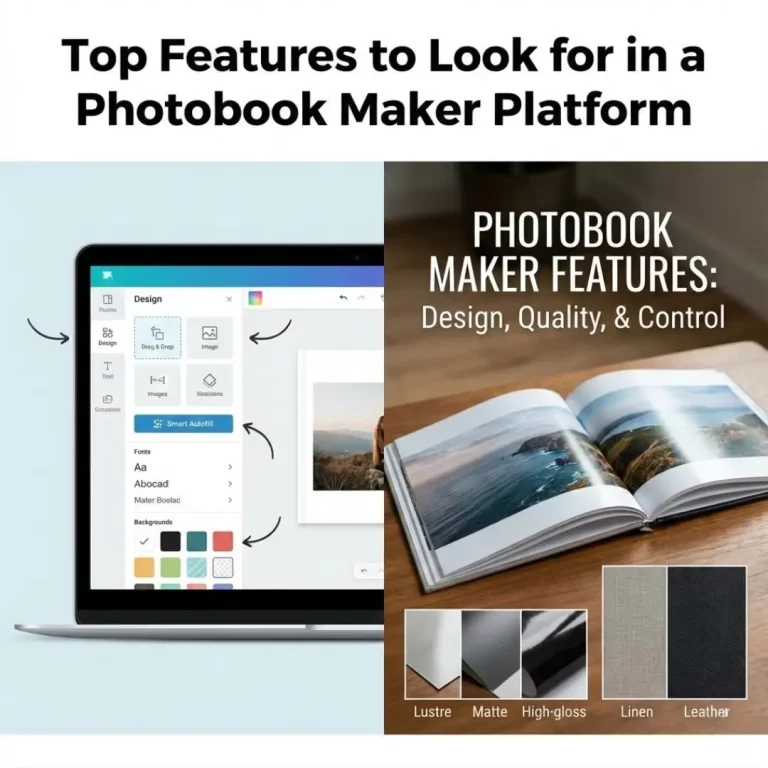
- Smart Autofill: Instead of just dumping photos into a grid, AI arranges them chronologically to tell a story. It might place a stunning landscape shot in a full-page spread and group related portraits together.
- Dynamic Layout Suggestions: As you add or remove photos from a page, the AI will suggest alternative layouts that best fit the new set of images. This is much faster than manually resizing and rearranging each photo.
- Focal Point Detection: AI can identify the main subject of a photo and automatically crop or position it within the layout to ensure the most important part is not cut off.
3. Generative AI for Custom Designs
This is where the latest AI photobook platforms truly shine. Using text-to-image technology, you can now create custom design elements from scratch.
- Custom Backgrounds: Instead of being limited to a library of pre-made backgrounds, you can type a description like “a soft watercolor pattern with blue and gold” and have the AI generate a unique background just for you.
- Personalized Embellishments: Need a sticker that doesn’t exist? You could ask the AI to “create a cartoon graphic of a golden retriever wearing a party hat” to celebrate your dog’s birthday.
- Themed Elements: This technology is perfect for creating a cohesive theme. You can generate a whole set of matching design assets for a travel photo book or a baby’s first year album.
4. Text and Storytelling Assistance
AI can even help you with the narrative aspects of your album. Some platforms are starting to use AI to:
- Suggest Captions: By analyzing the date, location, and people in a photo, AI can suggest starting points for your captions.
- Generate Journal Prompts: If you’re stuck on what to write, some tools offer AI-generated prompts like, “What was your favorite memory from this day?”
- Create Summaries: For a year-in-review book, AI can analyze photo metadata to create a summary page highlighting key events and dates. This helps you build a storytelling photobook with less effort.
Leading AI Photobook Platforms in 2025
While many companies are adopting AI, a few are leading the charge.
| Platform | Key AI Features | Best For |
|---|---|---|
| Google Photos | Excellent photo curation, duplicate removal, and smart album suggestions. | Users who want speed and already use the Google ecosystem. |
| Adobe Express | Powerful generative AI for custom backgrounds, text effects, and images. | Creative users who want unique, professional designs. |
| Canva | “Magic Design” for instant layout creation and a suite of AI-powered editing tools. | Beginners who want a user-friendly, all-in-one design tool. |
| Shutterfly | AI-powered “Make My Book” service that designs an entire album for you. | Users who want a completely hands-off design experience. |
Pro-Tip: Even with AI, the final touch should be human. Use AI to create the first draft, but always review each page to ensure the story flows correctly and reflects your personal memories. For example, AI might discard a blurry photo that holds deep sentimental value.
Conclusion: A Smarter Way to Preserve Memories
AI photobook platforms are not here to replace your creativity; they are here to enhance it. By automating the most time-consuming parts of the album creation process, these tools free you up to focus on what truly matters: telling your story. From selecting the best photos to designing beautiful layouts, AI acts as your personal assistant, making it faster and easier than ever to create a lasting tribute to your memories.
Whether you are a busy parent, a design novice, or just someone with a massive camera roll, the integration of AI is making photo album creation accessible to everyone. Ready to see what the future of memory-keeping looks like? Explore some of these platforms and design a stunning photobook in record time.
Frequently Asked Questions (FAQs)
Q: Do I need special software to use AI photobook platforms?
A: No, most AI features are integrated directly into the web-based editors of platforms like Canva, Adobe Express, and Google Photos. You don’t need to download anything extra to use them.
Q: Will AI choose the “wrong” photos for my book?
A: AI is very good at identifying technically sound photos (in focus, well-lit), but it can’t understand sentimental value. A blurry but cherished photo might be excluded. It’s always best to review the AI’s selection and add or remove photos manually to personalize your book.
Q: Is it safe to upload my photos to AI photobook platforms?
A: Reputable platforms like Google, Adobe, and Canva have robust privacy policies. Your photos are used to create your project and are not typically used for training AI models without your consent. However, always review the privacy policy of any service you use.
Q: Can AI help design the cover of my photobook?
A: Yes. Many platforms with AI can suggest cover layouts, fonts, and color schemes based on the photos inside your book. You can even use generative AI to create a unique cover image from a text prompt. For more ideas, check out our guide on designing a photobook cover that stands out.
Q: Do I still have creative control when using AI?
A: Absolutely. AI is meant to be a starting point. All AI-generated layouts and selections are fully editable. You can swap photos, change layouts, edit text, and override any suggestion the AI makes.
Q: Which AI photobook platform is best for beginners?
A: Google Photos is arguably the simplest for pure speed, as it does almost everything for you. Canva’s “Magic Design” is also extremely user-friendly and provides a great introduction to AI-powered layout creation.
Q: Can I use AI to create a layflat photobook?
A: Yes, you can use AI to design the layouts for any type of book, including a layflat. The AI can help arrange photos across two-page spreads, which is the primary benefit of the layflat photobook format. The AI handles the design, and you select the layflat option during checkout.