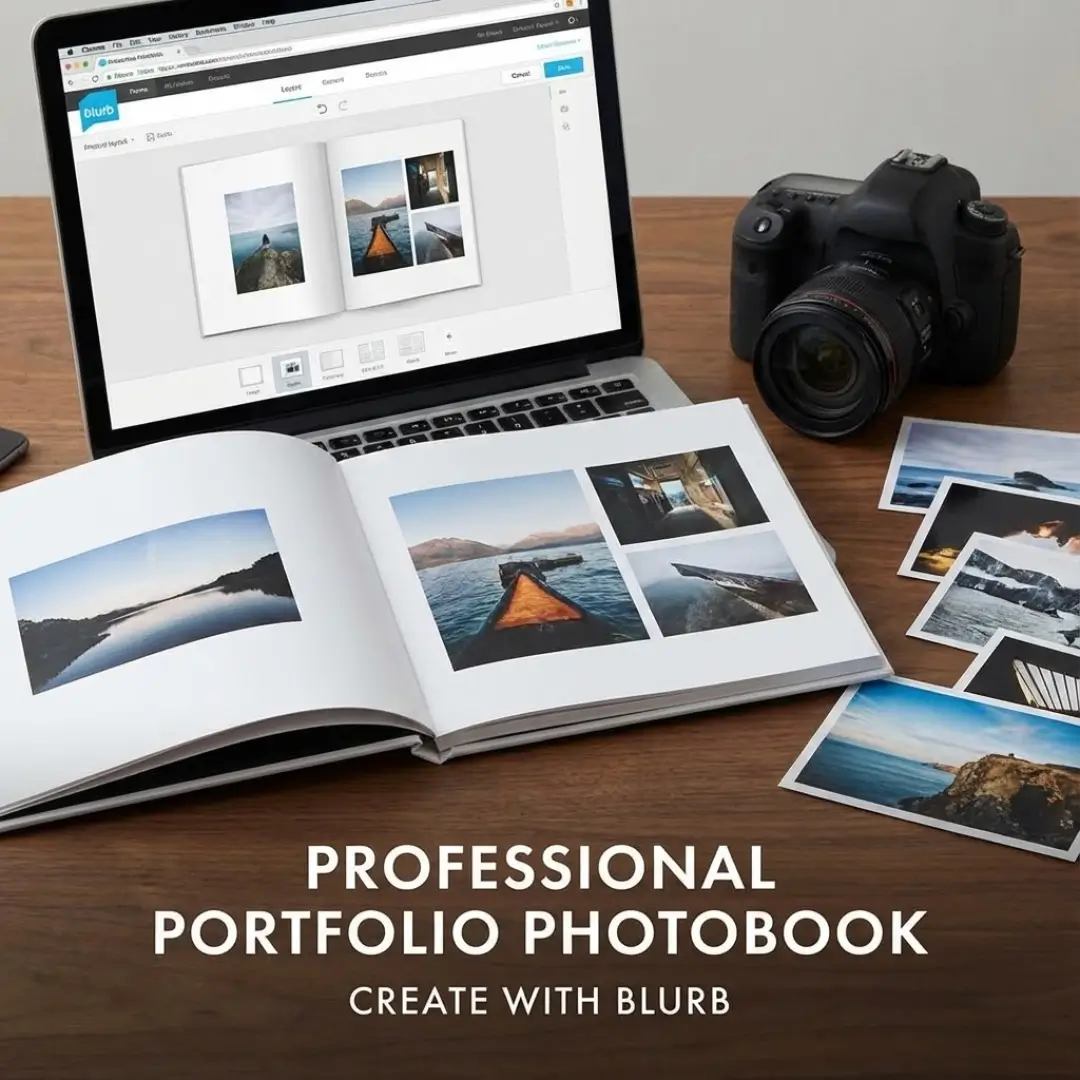
Introduction
A physical portfolio is a powerful tool for any creative professional. It offers a tangible, impressive way to showcase your best work, leaving a lasting impression that digital files often can’t match. However, creating one that looks polished and professional can feel overwhelming.
You need a final product that truly represents your skill and vision. This guide promises to walk you through every step of creating a high-quality portfolio photobook with Blurb, turning your collection of images into a compelling, career-boosting showcase.
Why Choose a Portfolio Photobook?
In a world of online galleries, a printed portfolio sets you apart. It demonstrates professionalism and a deep commitment to your craft. Holding a beautifully printed book is a different experience than scrolling through a website. It allows clients, employers, and collaborators to engage with your work without digital distractions.
A well-designed portfolio photobook becomes a centerpiece in meetings and interviews. It tells a story about your abilities, your style, and your attention to detail. This is your chance to control the narrative and present your work in the best possible light.
Step 1: Curating Your Best Work
Before you even open Blurb’s software, the most critical step is selecting your photos. A portfolio is not just a collection of your favorite images; it’s a curated showcase designed to achieve a specific goal.
Define Your Portfolio’s Purpose
First, ask yourself: who is this for? The answer will guide your selections.
- For a specific job? Focus on work that aligns with the company’s style.
- For potential clients? Showcase the type of work you want to be hired for.
- As a general showcase? Display your range, but ensure it feels cohesive.
Select with a Critical Eye
Your portfolio is only as strong as its weakest image. Be ruthless in your selection process. Each photo should be technically excellent and contribute to the overall story you’re telling. Quality always trumps quantity.
Pro-Tip: Get a second opinion from a trusted mentor or peer. A fresh perspective can help you see your work more objectively and make stronger choices. A well-organized gallery wall can also help you visualize your selections before committing them to print.
Step 2: Designing Your Portfolio Photobook in Blurb
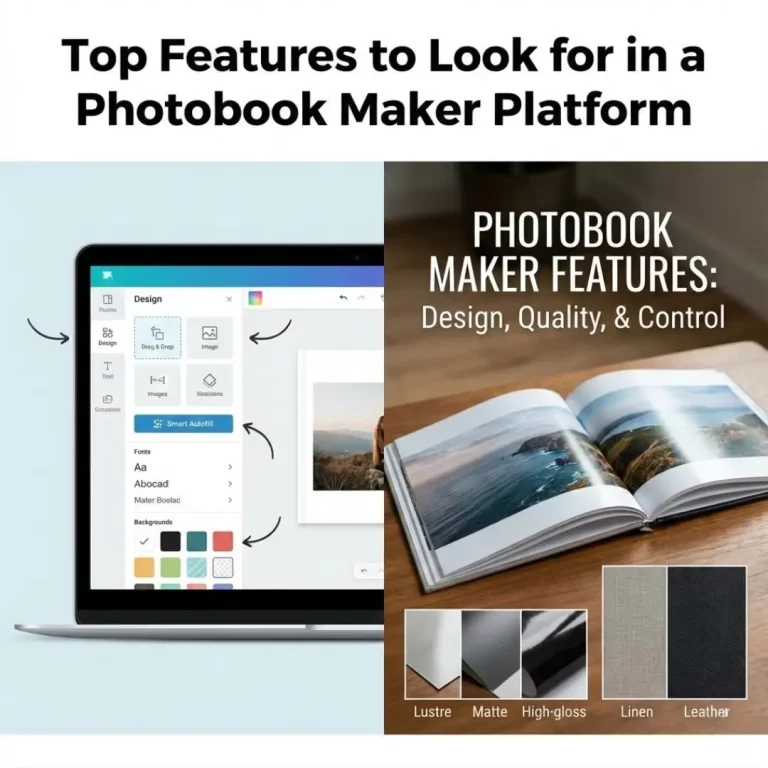
Once your images are selected, it’s time to bring your vision to life. Blurb offers powerful yet user-friendly tools to design your portfolio photobook.
Choose Your Creation Tool
Blurb provides two main options for creating your book:
- BookWright: Blurb’s free, downloadable software. It offers a great balance of control and simplicity with pre-designed layouts and robust customization tools. It’s an excellent choice for most users.
- Adobe InDesign Plug-In: For professionals who want maximum control. If you are already an expert in InDesign, this plug-in integrates Blurb’s printing specifications directly into your workflow.
Structuring Your Layout
The flow of your photobook is crucial. It should guide the viewer on a visual journey.
- Start and End Strong: Place your most impactful images at the beginning and end of the book to grab attention and leave a lasting impression.
- Pacing and Flow: Mix full-bleed spreads with multi-photo pages. White space is your friend—it gives images room to breathe and prevents the layout from feeling cluttered. Consider how you might arrange multiple frames on a wall and apply similar principles to your pages.
- Create a Cohesive Narrative: Group images by project, color, theme, or subject. This creates a logical flow and shows your ability to think in series. Think of it as storytelling with frames on a page.
Step 3: Mastering the Technical Details
The small details can make or break your portfolio photobook. Paying attention to print specifications ensures the final product matches your digital design.
Color Management
- Color Profile: For best results, use the sRGB color profile for your images. Blurb’s printing process is optimized for this standard.
- Soft-Proofing: If you’re using Adobe tools, download Blurb’s ICC profile to “soft-proof” your images. This simulates how the colors will look when printed, allowing you to make adjustments beforehand.
Image Resolution
Ensure all your images are high-resolution (300 DPI is recommended) to avoid pixelation. Blurb’s BookWright software will warn you if an image’s resolution is too low for its printed size, which is a helpful feature.
Paper and Cover Choices
Your paper and cover selection significantly impacts the final feel of your book.
- Paper: Blurb offers various paper types. A semi-matte or lustre finish, like ProLine Pearl Photo, often works best for portfolios as it minimizes glare while maintaining vibrant colors.
- Cover: A hardcover with an ImageWrap is a professional standard. It’s durable and allows you to feature a stunning photo right on the cover. You can also add text for your name and title. Designing a great cover is key, much like you’d design a photobook cover that stands out.
Step 4: Adding Text and Final Touches
While your photos are the stars, thoughtful text can add valuable context.
What Text to Include
- Introduction/Artist Statement: A brief paragraph at the beginning can introduce you and your work.
- Captions: Use them sparingly. Only add text if it provides necessary context, such as a project title, client name, or a brief description.
- Contact Page: End your book with a clean, professional page that includes your name, website, email, and social media handles.
Keep fonts clean and simple. You want the text to be readable, not distracting. Let your images do the talking. The goal is to create a seamless experience, similar to the uninterrupted panoramic views you get with layflat photobook designs.
Step 5: Proofing and Ordering Your Portfolio Photobook
Before hitting “Order,” triple-check everything.
- Review the Digital Proof: Blurb provides a full digital preview of your book. Flip through every single page. Look for typos, misaligned images, and low-resolution warnings.
- Order a Single Copy First: For a critical project like a portfolio, always order one test copy before committing to a larger run. Holding the physical book in your hands is the only way to be 100% sure about your color, paper, and layout choices.
- Make Revisions: Based on your proof copy, make any necessary adjustments in your design file before placing your final order. It’s a small investment that ensures your final portfolio photobook is perfect.
Conclusion
Creating a professional portfolio photobook with Blurb is an investment in your creative career. By carefully curating your work, designing a thoughtful layout, and paying attention to technical details, you can produce a stunning book that opens doors. This tangible representation of your talent is more than just a collection of photos—it’s a powerful marketing tool.
Ready to turn your digital files into a beautiful, professional portfolio? Start by organizing your best photos and exploring Blurb’s tools today. Your next client or employer will be impressed.
FAQ Section
Q: What is the best size for a portfolio photobook?
A: The best size depends on your work, but landscape formats like 10×8 inches or 13×11 inches are popular choices. They offer ample space for impactful images. Square formats can also work well, especially if your work is suited for that shape, much like how square canvases are perfect for modern art.
Q: How many pages should my portfolio photobook have?
A: Aim for 20-40 pages. This is enough to showcase a strong body of work without overwhelming the viewer. The key is a tight edit; every page should serve a purpose. It’s better to have 20 amazing pages than 60 mediocre ones.
Q: Should I include text in my portfolio photobook?
A: Yes, but keep it minimal. An introduction, brief project descriptions where necessary, and a concluding contact page are sufficient. The focus should remain on your visual work. Think of it like a photo frame with a short message; the message adds context but doesn’t overshadow the image.
Q: What is the difference between Blurb and other services like acrylic prints?
A: Blurb specializes in creating bound books (photobooks, magazines, trade books). This is ideal for a multi-page portfolio. Services that offer acrylic prints or framed photos are designed for displaying single images as wall art, not for creating a comprehensive portfolio you can hand to someone.
Q: How much does it cost to create a portfolio photobook with Blurb?
A: The cost varies based on size, page count, paper type, and cover options. A standard hardcover portfolio photobook might range from $40 to $100+ per copy. Blurb’s online calculator can give you an exact price as you build your project.
Q: Can I sell my portfolio photobook on Blurb?
A: Yes, Blurb offers options to sell your book directly through their platform or via Amazon. While this is a great feature, the primary purpose of your portfolio photobook should be as a professional tool to win clients or jobs.
Q: What are the best alternatives to Blurb for a portfolio photobook?
A: While Blurb is a top choice, other excellent services include Printique (formerly AdoramaPix), Mpix, and Mixbook. Each offers different paper types, book sizes, and software, so it’s worth exploring to see which best fits your specific needs and budget.