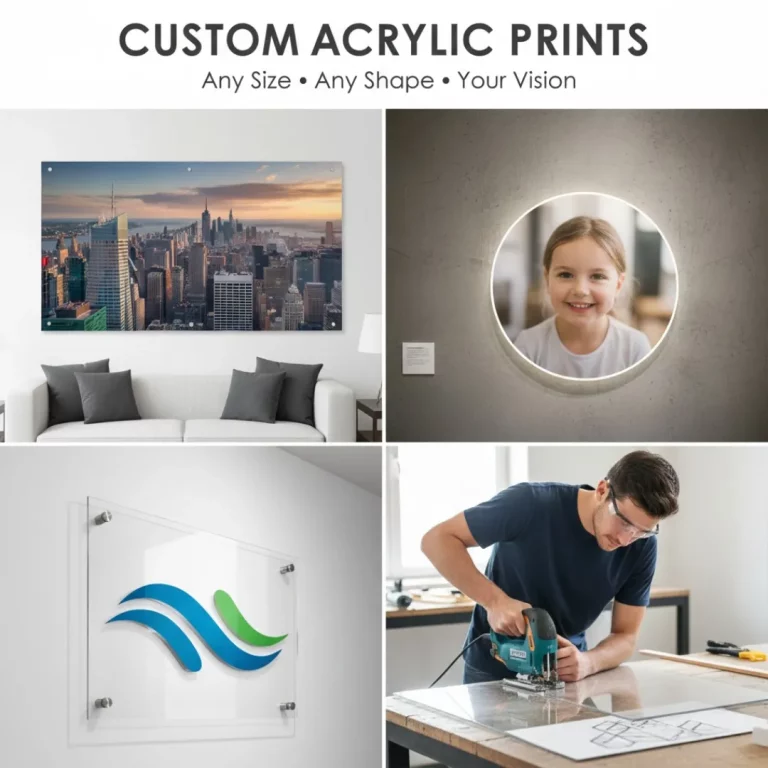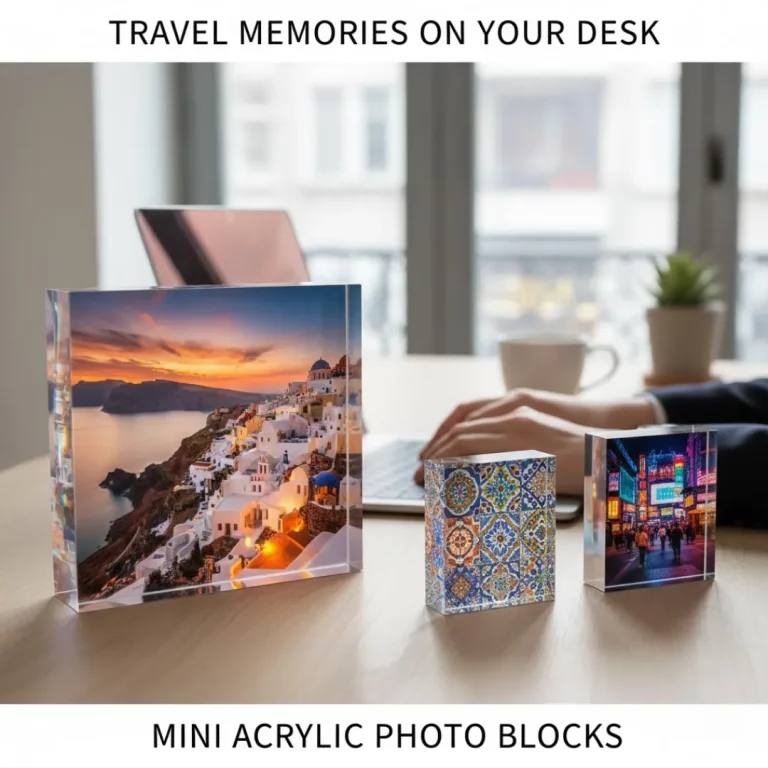
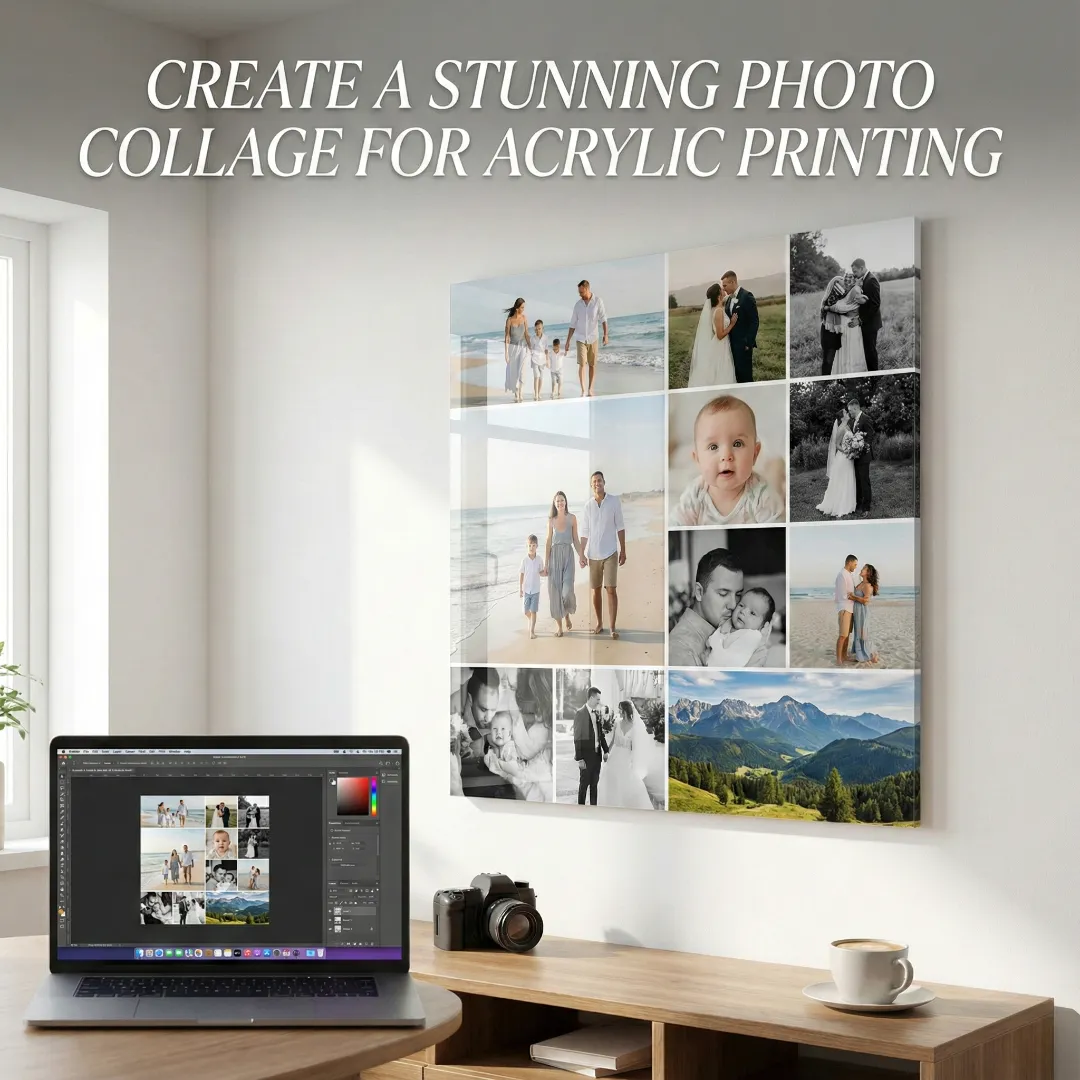
You have dozens, maybe hundreds, of cherished photos sitting on your phone or computer. There’s the family vacation, the baby’s first steps, and that perfect sunset shot. You want to display them, but choosing just one feels impossible. A single frame can’t capture the whole story.
This is where a photo collage comes in. It’s a creative and personal way to showcase multiple memories in one beautiful piece of art. When printed on a modern acrylic panel, your collage transforms into a gallery-quality statement piece. This guide will walk you through everything you need to know to create a stunning photo collage that’s perfect for acrylic printing.
Step 1: Tell a Story with Your Photo Selection
The heart of any great photo collage is the story it tells. Before you start designing, think about the theme or narrative you want to convey. A clear theme will make your collage feel cohesive and emotionally resonant.
Popular Photo Collage Themes:
- A Year in Review: Select your favorite photo from each month of the past year.
- Family History: Combine old black-and-white photos with recent family portraits.
- Travel Adventures: Showcase the best moments from a memorable trip.
- Baby’s First Year: Document milestones from newborn photos to their first birthday.
- Wedding Day: Capture the journey from getting ready to the final dance.
Once you have a theme, it’s time to select your images. Look for high-quality, high-resolution photos that are clear and well-lit. For acrylic printing, image quality is crucial, as the process highlights every detail. For guidance on curating your images, check out our tips on how to choose photos for a photobook, as the same principles apply.
Step 2: Choose the Right Photo Collage Layout
The layout is the skeleton of your photo collage. It determines how your images interact and guides the viewer’s eye. There are two main approaches: a grid layout or a freeform (or “scattered”) design.
Grid Layouts
A grid layout arranges photos in a structured pattern of rows and columns. This creates a clean, organized, and modern look that is very popular for acrylic prints.
- Symmetrical Grid: All photos are the same size and shape, creating a uniform, balanced appearance. This works well for a minimalist aesthetic.
- Asymmetrical Grid: This layout uses a mix of different photo sizes and orientations. It’s more dynamic and can be used to emphasize a central, more important photograph.
When designing a grid, pay attention to the spacing between photos. Consistent spacing (or “gutters”) gives the collage a professional and polished feel. You can explore a variety of multi-photo collage frame ideas to see how grids can be used effectively.
Freeform Layouts
A freeform layout overlaps photos or arranges them at different angles for a more playful and scrapbook-like effect. While creative, this style can sometimes look cluttered on a sleek acrylic print. If you choose this path, ensure there’s enough negative space to let the images breathe.
| Layout Style | Best For | Visual Effect |
| Grid | Modern decor, themed stories, minimalist look. | Organized, clean, balanced. |
| Freeform | Eclectic styles, scrapbooking feel, playful themes. | Dynamic, artistic, energetic. |
Step 3: Design Your Collage with Online Tools
You don’t need to be a graphic designer to create a beautiful photo collage. There are many user-friendly online tools and apps that make the process simple.
Popular Tools for Creating a Photo Collage:
- Canva: Offers thousands of customizable collage templates. You can drag and drop your photos, change background colors, and add text. It’s a great starting point for beginners.
- Adobe Express: Another powerful and free tool with a wide range of templates and design options.
- Fotor: Provides collage templates specifically designed for printing, ensuring your layout is optimized.
- Teo Print’s Online Maker: Many printing services, including ours, have built-in tools that let you design your collage directly on the website. This ensures your final file is perfectly formatted for acrylic printing.
When designing, remember to export your final photo collage as a high-resolution file (at least 300 DPI) to ensure a crisp, clear print.
Step 4: Preparing Your Collage for Acrylic Printing
Printing a collage on acrylic enhances its colors and gives it a stunning, modern depth. However, this high-definition format means that every detail matters. The difference between a good and a great result lies in the preparation.
Color and Consistency
Try to create a consistent look across your photos. If you have a mix of vibrant, colorful photos and muted ones, they might clash. Use a simple editing app to apply the same filter or adjust the brightness and contrast of your images so they feel like a cohesive set. For a timeless look, consider converting all photos to black and white.
Resolution is Everything
This is the most critical technical step. An acrylic print will expose any pixelation or blurriness in your source images. Ensure every photo in your collage is high-resolution. As a general rule, avoid using photos saved from social media, as they are often compressed and low-quality. Always use the original files from your camera or phone. These sources for high-resolution images can be helpful if you want to mix in stock photography.
Choosing the Right Finish
Most acrylic prints have a glossy finish that makes colors pop. This is perfect for a vibrant, energetic photo collage. If your collage will hang in a room with a lot of direct light, you might consider a non-glare or matte acrylic finish to minimize reflections. Our guide on choosing between glass and acrylic covers has more information on surface finishes.
Conclusion: Your Memories, Beautifully Displayed
Creating a photo collage for acrylic printing is a rewarding project that turns a collection of digital files into a meaningful work of art. By choosing a compelling theme, selecting a clean layout, and using high-quality images, you can design a piece that tells your story with style and sophistication.
The sleek, vibrant finish of an acrylic print will elevate your collage, making it a stunning focal point in any room. It’s the perfect way to celebrate your memories and surround yourself with the moments that matter most.
Frequently Asked Questions (FAQs)
Q: What is the best shape for a photo collage on acrylic?
A: Rectangular and square shapes are the most popular and work well with grid layouts. A panoramic rectangle is great for travel photos, while a square is perfect for a modern, Instagram-inspired look. Ultimately, the best shape depends on your wall space and the orientation of your photos.
Q: How many photos should I include in my collage?
A: There’s no magic number, but “less is more” is often a good rule. For a clean look, aim for 4 to 12 photos. Too many photos can make the collage look cluttered and individual images too small to appreciate, especially from a distance.
Q: Should I add text to my photo collage?
A: You can, but use it sparingly. A simple date, a family name, or a short quote can add a nice personal touch. Place the text in an area with a simple background so it’s easy to read and doesn’t compete with the photos.
Q: Can I mix color and black-and-white photos in the same collage?
A: Yes, this can create a very artistic and dynamic effect. The contrast between color and monochrome can be used to draw attention to a specific photo. For this to work well, try to balance the number of color and black-and-white images to maintain a sense of harmony.
Q: What’s the difference between a multi-photo frame and an acrylic collage print?
A: A multi-photo frame holds several individual prints within separate openings, creating a classic, textured look. An acrylic collage is a single, seamless print where all the photos are combined into one digital image and printed on one panel. The acrylic version offers a more modern and sleek aesthetic. For a deeper dive, check out our comparison of multi-photo collage frames vs. acrylic photo collages.
Q: How do I hang a large acrylic photo collage?
A: Large acrylic prints usually come with a pre-installed mounting system, such as a French cleat or standoffs. These systems make it easy to hang the print securely and create a “floating” effect off the wall. Always follow the manufacturer’s instructions for the best results.Q: Are acrylic photo collages a good gift idea?
A: They make a fantastic, personalized gift for weddings, anniversaries, birthdays, or holidays. A thoughtfully curated collage of shared memories is a heartfelt and beautiful present that will be cherished for years. They are a great example of turning photos into custom treasures.