
Introduction
We all do it: capture hundreds of photos on our smartphones, only for them to sit forgotten in the “Camera Roll” abyss. The idea of sitting down at a desktop computer to sort, edit, and upload them feels like a chore we just don’t have time for. But what if you could turn those digital memories into a tangible keepsake while waiting for your coffee or commuting to work?
Thanks to modern technology, creating a high-quality photo album is now as easy as sending a text. Mobile photobook apps have revolutionized how we preserve memories, putting powerful design tools right in our pockets. In this guide, we will explore the best apps available in 2025, helping you choose the perfect one to bring your photos off your screen and into your hands.
Why Use Mobile Photobook Apps?
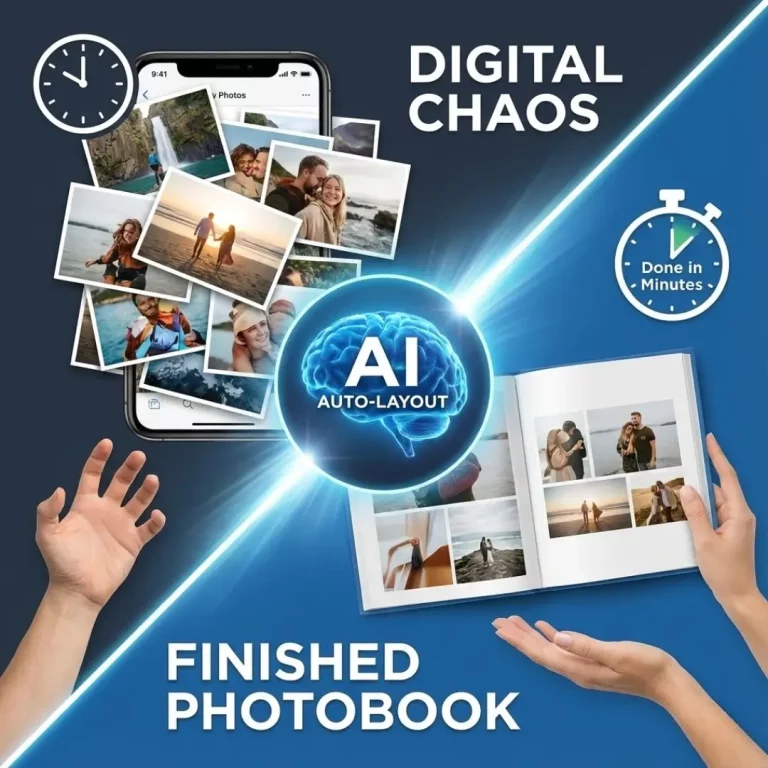
The convenience of designing on a smartphone is unmatched. Most of your photos are already on your device, eliminating the tedious step of transferring files to a computer. These apps are designed for speed and simplicity, often using AI to auto-fill pages and suggest layouts.
Whether you want to document a recent trip or create a year-in-review family album, doing it on mobile means you can work in small bursts whenever you have a spare moment.
Top Contenders for 2025
Here are the standout mobile photobook apps that combine ease of use with excellent print quality.
1. Chatbooks: The Busy Parent’s Best Friend
Chatbooks is famous for its “Monthly Minis” and ongoing book series. It connects directly to your phone’s favorites or Instagram feed. The app is incredibly intuitive, making it a top choice for anyone who feels overwhelmed by design choices.
- Best Feature: Subscription service that automatically prints a book once you reach 60 photos.
- Ideal For: Parents who want to document their kids’ growth without thinking about it.
- Verdict: Perfect for speed and consistency, though customization options are more limited than others.
If you are looking for other ways to display your child’s milestones, consider checking out ideas for baby photo frames and keepsakes.
2. Shutterfly: The Feature-Rich Veteran
Shutterfly’s app packs almost all the power of its desktop site into a mobile experience. It offers a massive variety of layouts, embellishments, and product options. You can start a project on your phone and finish it on your computer later, which is a great flexibility bonus.
- Best Feature: Unlimited free photo storage and frequent discounts.
- Ideal For: Users who want full creative control and plenty of decorative elements.
- Verdict: A robust app, though the sheer number of options can sometimes feel cluttered on a small screen.
3. Mixbook: Creative Freedom in Your Pocket
Mixbook is beloved for its design flexibility, and its mobile app is no exception. Unlike apps that lock you into rigid templates, Mixbook allows you to move photos, add text, and change backgrounds with ease.
This app is fantastic if you want to create a storytelling photobook where you can add detailed captions and anecdotes next to your images.
- Best Feature: The ability to fully customize layouts and add “stickers.”
- Ideal For: Creatives who want their book to look exactly how they envision it.
- Verdict: Offers the best balance of ease and customization.
4. Google Photos: The Seamless Solution
If you already back up your images to Google Photos, their built-in photobook creator is the fastest option on this list. The AI suggests the best photos, removes duplicates, and even creates layouts for you.
- Best Feature: Incredibly fast creation process using existing photo libraries.
- Ideal For: Android users and Google ecosystem loyalists.
- Verdict: Simple and effective, but lacks the premium paper options and cover designs of specialized printing companies.
5. TeoPrint: Premium Quality Made Simple
For those who prioritize print quality above all else, TeoPrint’s mobile interface ensures your photos look professional. Specializing in high-definition printing, this platform is perfect for turning your smartphone snaps into art.
You can easily upload photos to create not just books, but also stunning acrylic photo frame displays directly from the app.
- Best Feature: Superior color accuracy and premium material options.
- Ideal For: Photography enthusiasts and special occasion albums.
- Verdict: The go-to choice for quality-conscious creators.
Key Features to Look For
When testing mobile photobook apps, keep these factors in mind to ensure you get the best result.
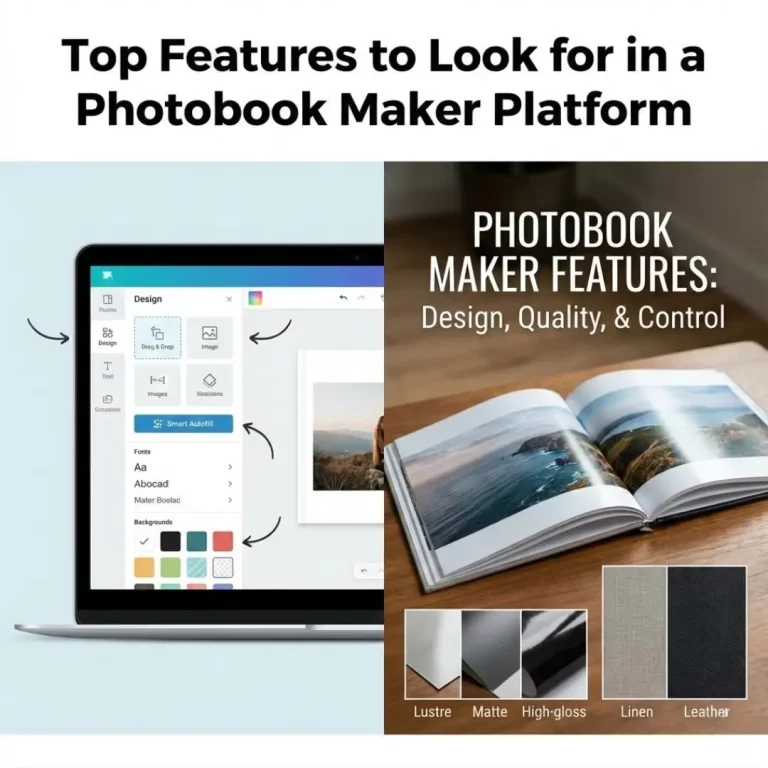
Auto-Fill Capabilities
A good app should do the heavy lifting. Look for “magic create” or auto-fill features that place your photos into chronological order automatically. This is especially helpful if you are trying to organize photos for a cohesive album story.
Social Media Integration
Your best photos might be on Instagram or Facebook rather than your camera roll. Top-tier apps allow you to import images directly from your social accounts, saving you the hassle of downloading and re-uploading.
Project Saving
Make sure the app saves your progress automatically. Designing on the go means you might get interrupted by a call or lose service. Reliable cloud saving ensures you never lose your hard work.
Customization Options
Even on a small screen, you should be able to crop photos, swap layouts, and add text. If an app feels too restrictive, move on to one that lets you personalize your project. You might even find apps that help you design a photo collage online for specific pages.
Tips for Designing on a Small Screen
- Sort First: Create a “Favorites” album on your phone before opening the app. This makes selecting photos much faster.
- Keep it Simple: Complex layouts can look cluttered on a phone screen. Stick to 1-3 photos per page for a clean look.
- Brightness Matters: Phone screens are backlit, making photos look brighter than they will print. Slightly increase the brightness of dark photos before printing.
- Use Wi-Fi: Uploading high-resolution images eats up data. Connect to Wi-Fi to speed up the process and save your data plan.
Conclusion: Start Printing Today
The barrier to creating beautiful photo albums has never been lower. With the right mobile photobook apps, you can preserve your memories during your daily commute or downtime. Whether you choose the automation of Chatbooks, the creativity of Mixbook, or the premium quality of TeoPrint, the most important step is simply to start.
Don’t let your memories stay trapped in the cloud. Download one of these apps today and hold your moments in your hands next week.
Frequently Asked Questions (FAQs)
Q: Do mobile photobook apps compress photo quality?
A: Most reputable apps upload high-resolution images suitable for printing. However, if you download photos from social media (like Facebook) before uploading them to the app, they may be compressed. Always try to use the original file from your camera roll for the best results.
Q: Can I collaborate with others on a mobile app?
A: Some apps, like Google Photos and Mixbook, allow for collaboration. This is a great feature if you are building a family reunion photobook and need relatives to contribute their own pictures.
Q: Which app is the cheapest for photobooks?
A: FreePrints Photobooks is widely known as a budget-friendly option, offering one free softcover book per month (you only pay for shipping). However, for better paper quality and durability, apps like Shutterfly often run 50% off sales that make premium books very affordable.
Q: Can I make a layflat book on a mobile app?
A: Yes, many apps offer layflat upgrades. This binding style allows pages to lie completely flat, which is essential for panoramic photos. If you are interested in this format, learning how to design a layflat photobook can help you make the most of those spreads.
Q: How long does it take to create a book on a phone?
A: With auto-fill features, you can create a simple 20-page book in as little as 10-15 minutes. Customizing layouts and adding captions will take longer, but the process is generally much faster than desktop software.
Q: Can I edit my photos inside the photobook app?
A: Most apps offer basic editing tools like cropping, rotating, and simple filters. For advanced editing, it is better to edit your photos in a dedicated app like Lightroom Mobile or Snapseed before importing them into the photobook app.
Q: Are these apps available on both iPhone and Android?
A: Yes, all the major apps mentioned (Chatbooks, Shutterfly, Mixbook, Google Photos) are available on