Introduction
You’ve gathered your favorite photos and you’re ready to create a beautiful collage to display in your home. You open a design tool and are immediately faced with a choice: should you use a pre-made photo collage template or start from scratch with a custom layout? One path promises speed and simplicity, while the other offers complete creative freedom. It’s a common dilemma that can leave you feeling stuck before you even begin.
Choosing the right approach depends on your creative confidence, the amount of time you have, and the story you want to tell. This guide will compare the pros and cons of using a photo collage template versus building a custom design. We’ll help you understand which option is best suited for your project, so you can create a stunning photo collage print with confidence.
What is a Photo Collage Template?
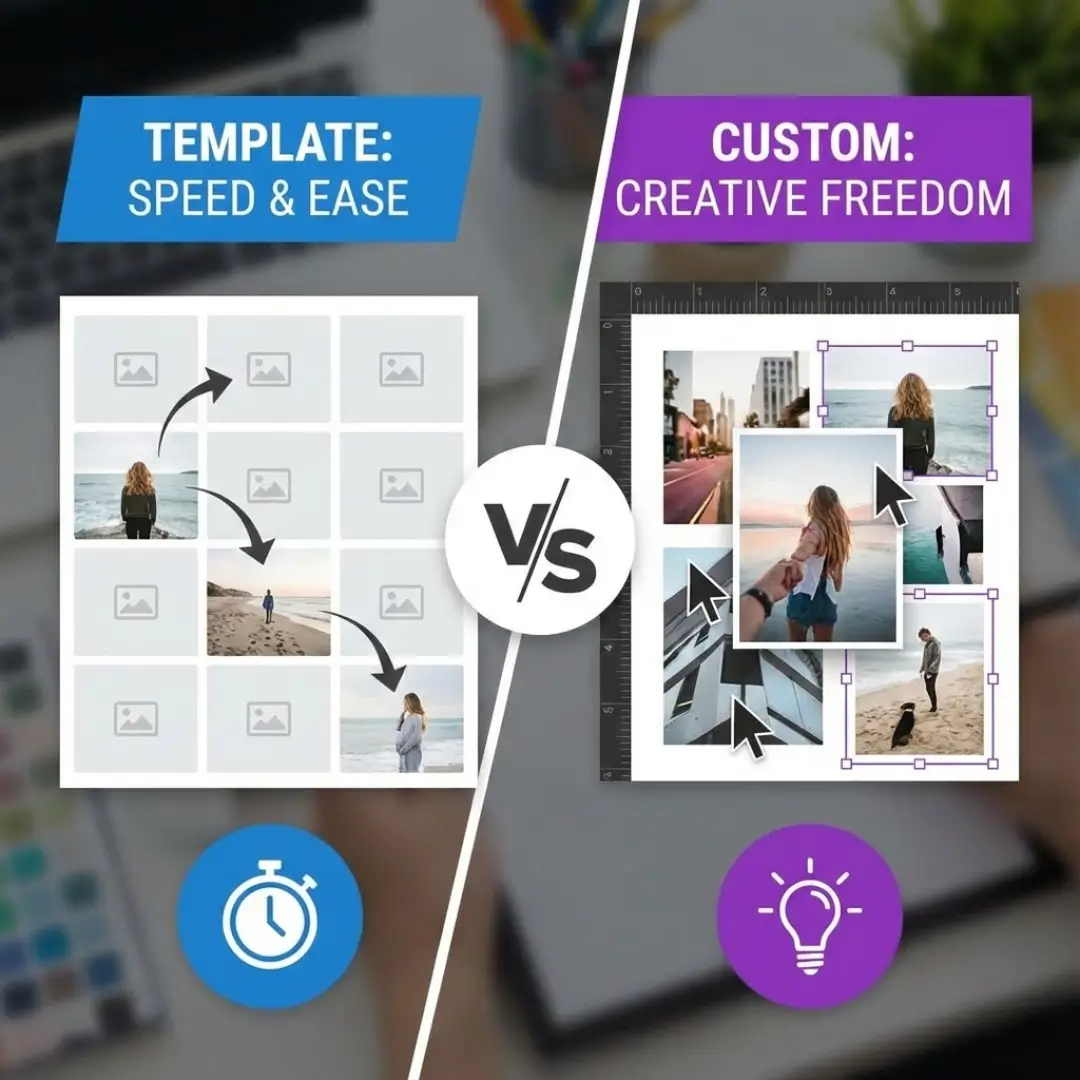
A photo collage template is a pre-designed layout with placeholders for your photos. These templates are created by professional designers and come in countless styles, from simple grids to more intricate, themed arrangements. They handle the difficult parts of design—like spacing, alignment, and balance—for you. All you need to do is drag and drop your images into the empty slots.
Most online design tools offer a vast library of templates for various occasions, such as birthdays, holidays, or a year-in-review collage on an acrylic print.
The Pros and Cons of Using a Photo Collage Template
Templates are incredibly popular for a reason, but they aren’t the right fit for every project. Let’s break down the advantages and disadvantages.
Advantages of Templates:
- Speed and Efficiency: This is the biggest benefit. A template allows you to create a beautiful collage in minutes, not hours. For anyone short on time, a template is the clear winner.
- Ease of Use: You don’t need any design skills. The layout is already balanced and professional. It’s a great option for beginners who might be intimidated by a blank canvas.
- Inspiration: Browsing through templates can give you creative photo collage ideas you hadn’t considered. You might discover a layout that perfectly suits your photos.
- Guaranteed Professional Look: Because they are professionally designed, templates ensure your final print will look polished and well-organized. The spacing and proportions are already optimized.
Disadvantages of Templates:
- Creative Limitations: You are confined to the existing placeholders. If you have 15 photos but the template only has 12 slots, you’re out of luck. You can’t easily add or remove photo boxes.
- Less Personalization: A popular photo collage template may have been used by thousands of other people. Your final design might not feel as unique or personal as a custom creation.
- Rigid Structure: Templates often have fixed sizes and orientations. They may not allow for the creative mixing of vertical and horizontal photos that a custom layout enables.
What is a Custom Photo Collage Layout?
A custom layout means you start with a blank digital canvas and build your collage from scratch. You decide the position, size, and orientation of every single photo. This approach gives you complete control over the final design, allowing you to create something that is truly one-of-a-kind.
Building a custom layout is like being your own graphic designer. It’s a more involved process but can be incredibly rewarding. If you’re looking for guidance, you can find a step-by-step guide to design a photo collage online.
The Pros and Cons of a Custom Layout
Going custom offers ultimate freedom, but it comes with its own set of challenges.
Advantages of Custom Layouts:
- Unlimited Creativity: Your only limit is your imagination. You can overlap photos, create unique shapes, and arrange images to tell a specific story, like a timeline.
- Complete Personalization: Your collage will be 100% unique to you. It’s an authentic reflection of your personal style and memories.
- Flexibility: You can design a layout that perfectly fits the number of photos you have, whether it’s 5 or 50. It’s also easier to accommodate a mix of photo sizes and orientations.
- Storytelling Power: A custom layout allows you to create a visual hierarchy, making certain photos larger to emphasize their importance and guide the viewer’s eye through a narrative.
Disadvantages of Custom Layouts:
- Time-Consuming: Designing from scratch takes significantly more time and effort. You’ll need to manually adjust the size and placement of each photo.
- Requires Some Design Sense: Without a template to guide you, it’s easier to end up with a layout that feels unbalanced or cluttered. You’ll need a basic understanding of design principles like balance and spacing.
- Can Be Overwhelming: Staring at a blank canvas with a folder full of photos can feel daunting for beginners.
| Feature | Photo Collage Template | Custom Layout |
|---|---|---|
| Speed | Fast (minutes) | Slow (hours) |
| Ease of Use | Very easy | Can be challenging |
| Creative Control | Low | High |
| Final Look | Professional but generic | Unique but risk of clutter |
| Best For | Beginners, quick projects | Creatives, unique stories |
How to Choose: Template or Custom?
Still not sure which path to take? Ask yourself these questions to find the right fit for your project.
Choose a photo collage template if:
- You are new to graphic design or feel unsure about your creative skills.
- You need to create a collage quickly for a gift or an event.
- You are happy with a classic, clean look like a simple grid.
- The number of photos you have matches a template you like.
Many platforms, from specialized services to broader tools like Canva, offer excellent templates. You can even find ideas on how to customize your Canva photobook to add a personal touch to a template.
Choose a custom layout if:
- You have a specific, unique vision for your collage.
- You enjoy the creative process and have time to experiment.
- You want to create a storytelling collage, like a family tree collage that follows a specific lineage.
- You have an unusual number of photos or a mix of sizes that don’t fit standard templates.
Conclusion: Your Memories, Your Choice
The decision between using a photo collage template and creating a custom layout comes down to a trade-off between speed and creative control. Templates offer a fast, easy, and reliable way to get a professional-looking result, making them perfect for beginners and quick projects. Custom layouts provide the ultimate freedom to create a deeply personal and unique piece of art, but they require more time and a good eye for design.
There is no wrong answer. Both methods can produce a beautiful print that preserves your cherished memories. The best choice is the one that fits your personality, your skillset, and the story you want to tell.
Ready to bring your collage to life? Explore our options for creating a stunning photo collage for acrylic printing and choose the method that works for you.
Frequently Asked Questions (FAQ)
Q: Where can I find the best free photo collage templates?
A: Many online design tools offer a huge selection of free templates. Websites like Canva, Adobe Express, and Fotor are popular choices, each providing thousands of professional layouts for different themes and occasions.
Q: Can I customize a photo collage template?
A: Yes, most templates allow for some customization. You can typically change background colors, add text, and apply filters to your photos. However, you usually cannot change the fundamental structure, like the number or position of the photo placeholders.
Q: What design software is best for creating a custom photo collage?
A: For beginners, web-based tools like Canva are excellent for custom designs due to their user-friendly drag-and-drop interfaces. For professionals, Adobe Photoshop or InDesign offer the most powerful and precise tools for creating complex layouts from scratch.
Q: How do I ensure my custom collage looks balanced?
A: To create a balanced custom design, start with a “hero” image as your focal point and build around it. Maintain consistent spacing between photos, and try to balance large images with smaller ones so one side doesn’t feel heavier than the other. Exploring our guide on mixing frame sizes and orientations can provide helpful tips.
Q: Is it better to use a template for a themed collage, like for a wedding?
A: A template can be a great starting point for a themed collage. Many platforms offer beautiful wedding collage print templates with elegant fonts and decorative elements. This saves you time while ensuring a professional and cohesive look for such an important event.
Q: Does using a template affect the print quality?
A: No, using a template does not affect the final print quality. The quality of your collage print depends on the resolution of your photos and the printing service you use, not the layout method. Always use high-resolution images for the best results.
Q: Can I create a multi-page collage in a photobook using templates?
A: Yes, photobook creation tools are built around templates. You can choose a different template for each page to add variety to your album. Many platforms, like those reviewed in our list of the best photobook print quality platforms, make this process very simple.